
Fadé Adeniyi
Wednesday 4 November 2026
Five recent Claude updates, who gets each one, how to turn it on and the prompt or tip that gets the best out of it.
Five recent Claude updates change how you can work: Slides and Docs on every plan including Free, a browser built into the desktop app, memory plus Remote Control from VS Code to your phone, incognito chats and a new top model, Opus 5.5. Here's who gets each one, how to turn it on and how to use it well.
Claude Opus 5.5 edits my reels and I've automated about 90% of my business with AI agents. So I only keep the Claude updates that change my week, which these five did.
The trap is reading an update post and assuming it's on your plan. Only three of these work on Free: Slides and Docs, memory and incognito chats. The browser, past-chat search, Remote Control and Opus 5.5 need a paid plan.
The 5 updates
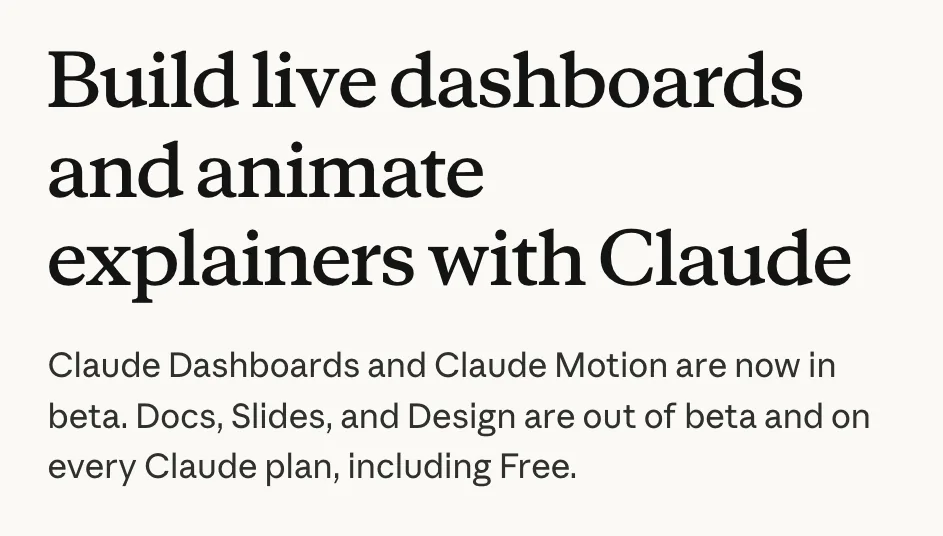
What it is. Claude builds documents, slide decks and designs right in the chat. On 8 October 2026 Anthropic took Docs, Slides and Design out of beta and put them on every Claude plan, including Free. People had already made more than 45 million docs, decks and designs with them. Decks download as PowerPoint or PDF and go straight to Google Slides as editable files.
Turn the notes below into a [6]-slide deck for [WHO IT'S FOR]. One idea per slide. Each headline says the point in a full sentence. No more than 3 bullets on a slide. Put any numbers in a chart. Ask me 3 questions about the audience before you build it.
NOTES: [PASTE YOUR NOTES]
Let Claude ask first. Three questions about who's in the room stop it guessing the tone, the length and how much detail to put in.
What it is. Claude Cowork has a browser built into the Claude Desktop app. When a task needs a website, it opens in a side panel and Claude opens sites, reads pages, clicks, types and fills forms while you watch. It's on Pro, Max and Ultra in Claude Desktop for macOS, Windows and Linux (beta). Team and Enterprise get it too unless an owner has turned it off. Claude in Chrome is the separate extension that works in your own Chrome tabs.
Use the built-in browser for this. Go to [WEBSITE] and find [WHAT YOU NEED, E.G. EVERY PRICE PLAN AND WHAT'S IN IT]. Put it in a table with a link to the page each row came from. Don't sign in, buy or submit anything. Stop and ask me first.
Start with sites you trust. Anthropic warns that hidden instructions on a web page can try to redirect any agent that browses for you. Anything you sign in to in the built-in browser stays available to Claude on that computer.
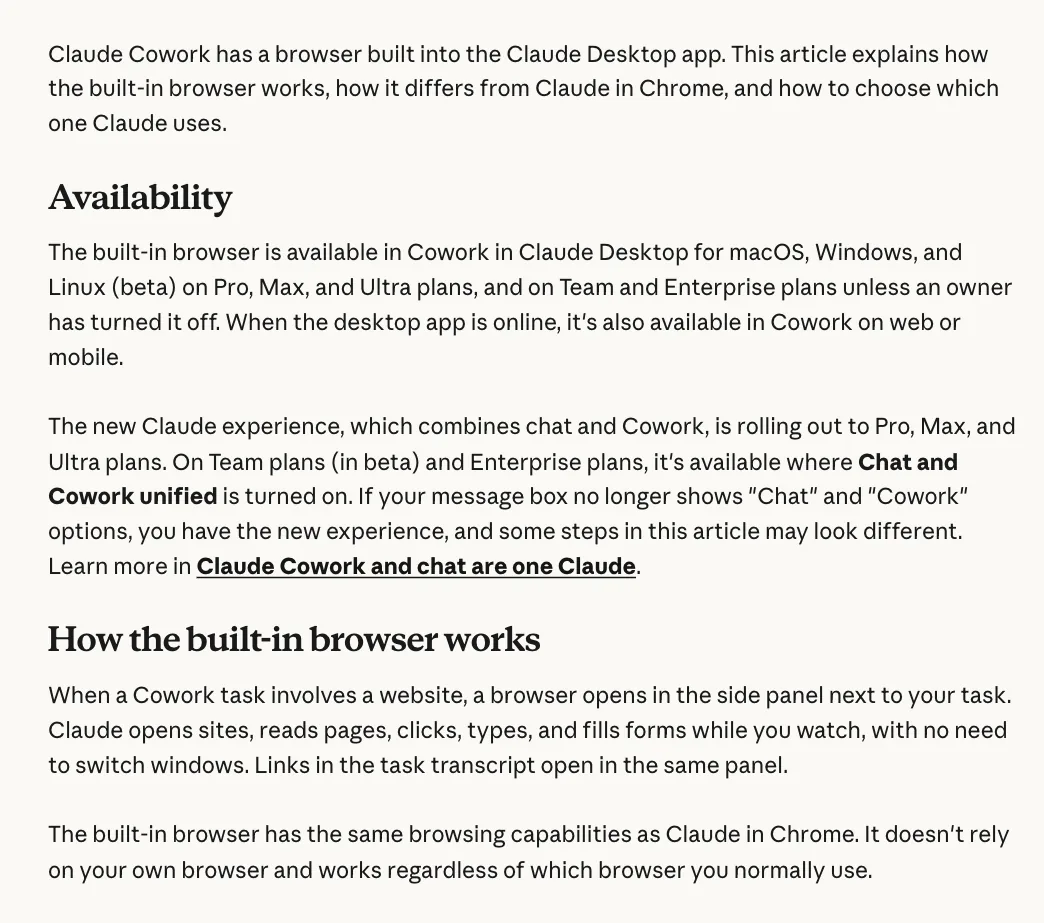
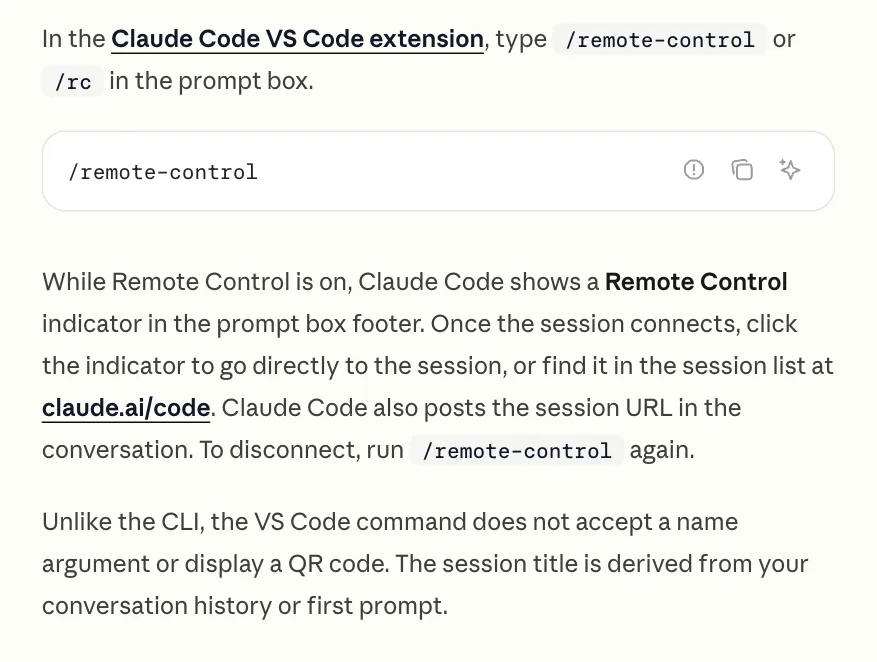
What it is. Update 3 is two features. First, Claude's memory carries context from your chats into new ones on the web, Claude Desktop and Claude Mobile. It's on by default on Free, Pro, Max and Ultra. Searching past chats is on paid plans. Then there's Remote Control for Claude Code: start a session at your desk and carry on from your phone or any browser while Claude keeps running on your computer. It's on Pro, Max, Ultra, Team and Enterprise.
Let's continue where we left off with [PROJECT]. Search our past chats first and tell me what you found: what we decided, what's still open and what I said I'd do next. Then ask me what's changed since.
Check what it remembers. Go to Settings > Your Claude and select Manage next to Your memory to edit or delete any topic. Searching past chats needs a paid plan.
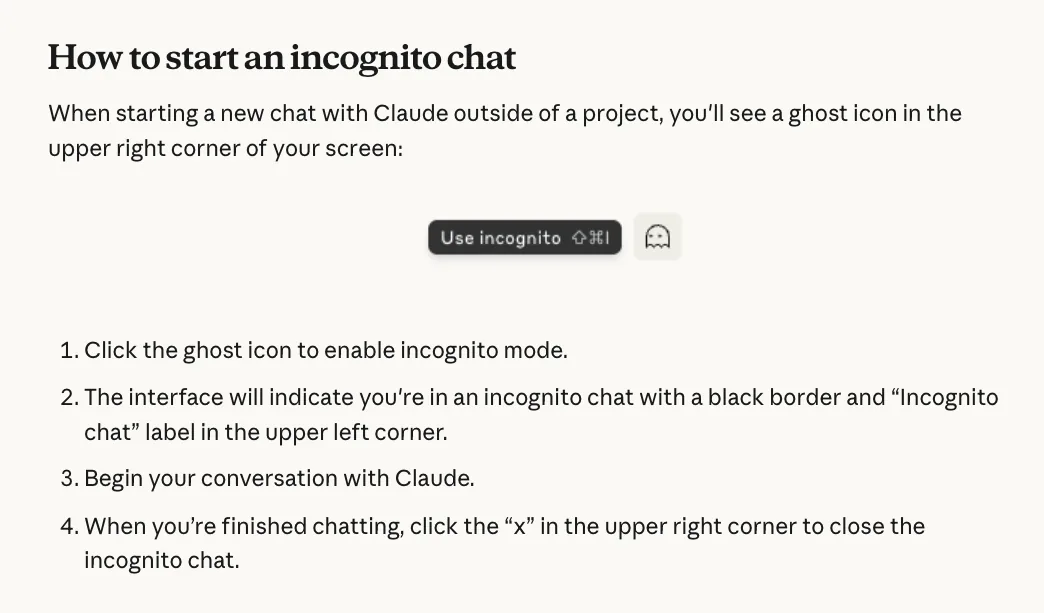
What it is. An incognito chat is a temporary conversation that isn't saved to your chat history or to Claude's memory. It's on every plan, Free included. Claude doesn't use your memory in it, it won't turn up when Claude searches your past chats and it isn't used for training.
The trap is thinking incognito leaves no trace. Anthropic still keeps incognito chats for 30 days, or longer under an Enterprise retention setting. On Team and Enterprise plans they're in the owner's data exports. Your profile preferences and custom styles still apply inside one.
Start a new chat, click + in the message box and turn Memory off before your first message. The chat stays in your history and this works inside projects, where incognito doesn't.
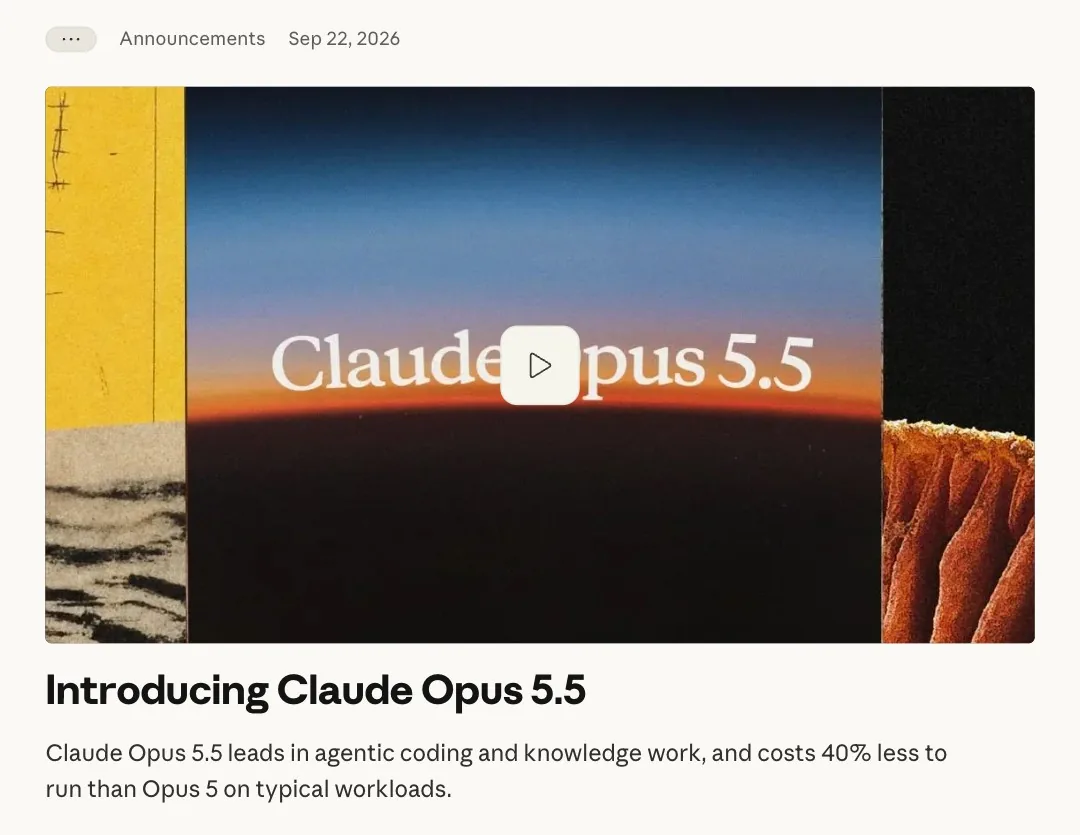
What it is. Claude Opus 5.5 is Anthropic's newest top model, announced on 22 September 2026 as the first of the Claude 5.5 family. Anthropic says it performs at the level of Claude Fable 5.1 on most work and costs 40% less to run than Opus 5. It puts the most important information up front and follows the writing rules you give it. It's on paid plans, not on Free.
Here's the whole job: [THE TASK AND WHAT DONE LOOKS LIKE]. Before you start, write a short plan and tell me how you'll check it at the end. Then do it in one go. Only stop to ask me if a step can't be undone. Finish with what you did, what you checked and anything you're unsure of.
Write your rules down once. Put how you want things written in your project instructions or a CLAUDE.md file, so you aren't repeating them in every prompt.
Which plan gets what.
Start with the one on your plan that saves you the most time this week. On Free, that's Slides: open a chat and ask for the deck you've been putting off. On Pro or above, type /rc in VS Code before you leave your desk and give Opus 5.5 the job you'd normally split into ten prompts.
How I use it. Opus 5.5 is the model I use for almost every task now. It edits my reels in Claude Code: I've got a Remotion skill for each of my edit styles, so I describe the edit, Claude builds it and I check every render before it goes out. The AI agents that run about 90% of my business work the same way, each with one job I can check.
What this won't do: plans and features change, so check claude.com/pricing before you pay for anything. The built-in browser and Remote Control both need your computer on and the app running. Incognito isn't invisible, because Anthropic keeps those chats for 30 days. An agent that browses for you can still be fooled by a page, so start with sites you trust.
Turn on the update that gives you an hour back.
Sources, opened 4 November 2026: Anthropic, Build live dashboards and animate explainers with Claude (8 October 2026); Claude pricing; Claude Help Center, Use the built-in browser in Claude Cowork, Get started with Claude in Chrome, chat search and memory and Use incognito chats; Claude Code Docs, Remote Control and Model configuration; Anthropic, Introducing Claude Opus 5.5 (news, 22 September 2026)
The Audacity to Build is my community for people doing exactly that. It is opening soon. Join the waitlist and you are first in when it does.
If this was useful, follow me. I share what I am actually building, the tools that survive my own testing, and the ones I quietly cancel. New plays every week.
Pop in your name and email and the guide is yours, along with the occasional new guide when I publish one. No spam, ever.