
Fadé Adeniyi
Saturday 14 November 2026
The real setup for Claude in Chrome, Google Drive, Google Sheets, Metricool and Kling, with a first prompt to paste for each.
An MCP is a plug. On its own, Claude only works with what you paste into the chat. Plug it into your browser, your Drive, your spreadsheets, your social stats and a video tool and it can read and act in those places for you. Here are the five I run, with the setup and a first prompt for each.
From 2018 to 2020 I was Lead Technical PM for Integrations at Reply. We built QuickConnect, an integration layer on iPaaS and Azure Integration Services. We shipped the MVP in four months. Integration means getting one system to reach another system's data. That's the job MCP does for Claude.
MCP stands for Model Context Protocol. It's the open standard Anthropic created so AI apps can connect to tools and data. Each tool runs an MCP server. When you add one to Claude, it shows up as a connector and Claude gets new actions it can take inside that tool. You don't need to know how any of that works to use it.
In claude.ai or the Claude desktop app, connectors live under Customize > Connectors. In Claude Code, you add a server with claude mcp add and sign in with /mcp. Anything in a dark box has a Copy button. Swap the [BRACKETS] for your own details.
The 5 plugs
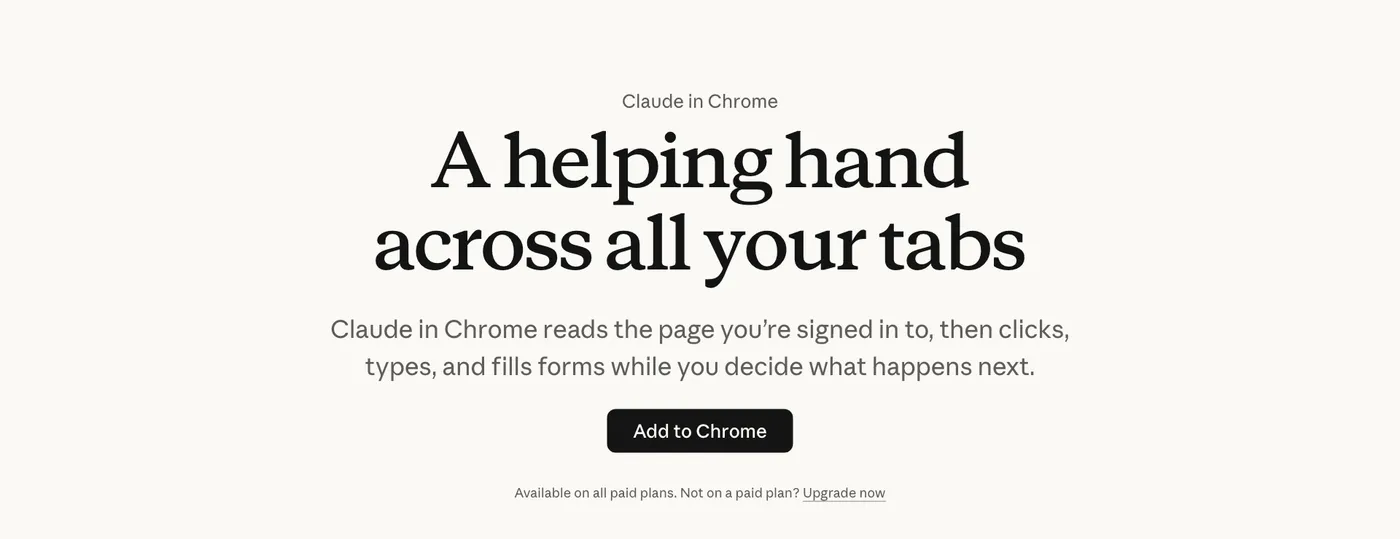
Claude in Chrome is an extension. Claude reads the page you're signed in to, then clicks, types and fills forms while you decide what happens next. It's the plug I'd start with if you spend your day in browser tabs.
claude.com/chrome and click Add to Chrome. It's on the Chrome Web Store too.claude --chrome. Type /chrome at any time to check the connection or reconnect the extension.Your first prompt. It reads and compares without touching anything:
Open [LINK TO A PAGE YOU CHECK OFTEN]. Click through every section and tell me what's changed, what it costs and what's missing compared with [MY OFFER]. Don't fill in any forms, log in or buy anything.
The Google Drive connector lets Claude search your Drive, read Docs, Sheets, Slides and PDFs and create new files there. It signs in as you, so Claude only reaches files your Google account can open.
Customize > Connectors.Your first prompt:
Search my Google Drive for [THE FILE YOU MEAN]. Tell me the deliverables and deadlines in it, then draft a one-page plan as a new Google Doc in the same folder and give me the link.
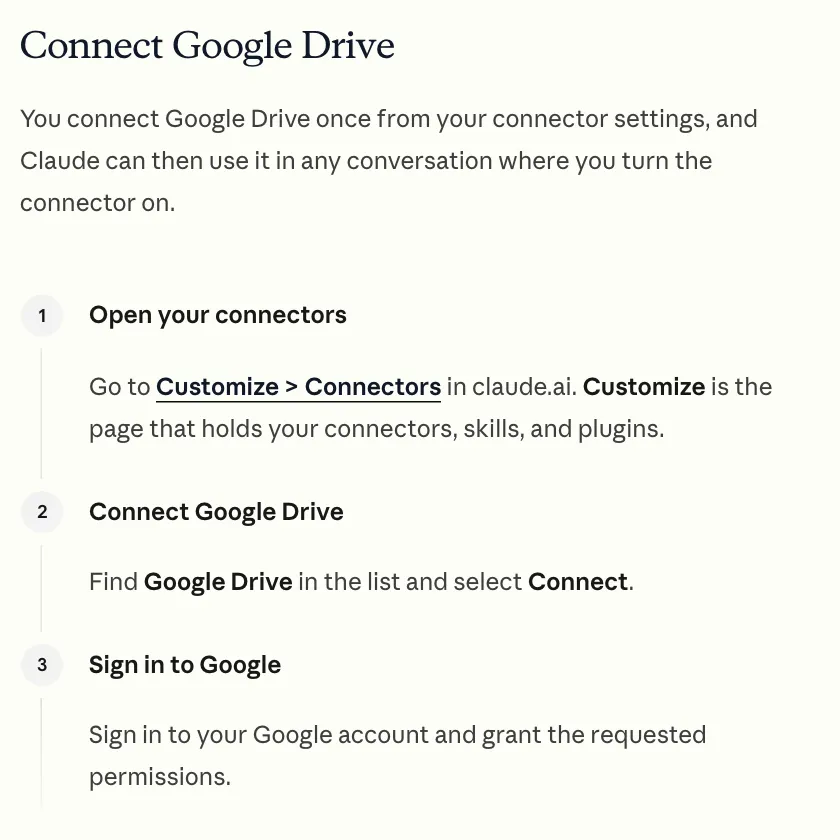
Google Drive won't show in your list until an Owner adds it for the organisation. Then each person connects their own Google account.
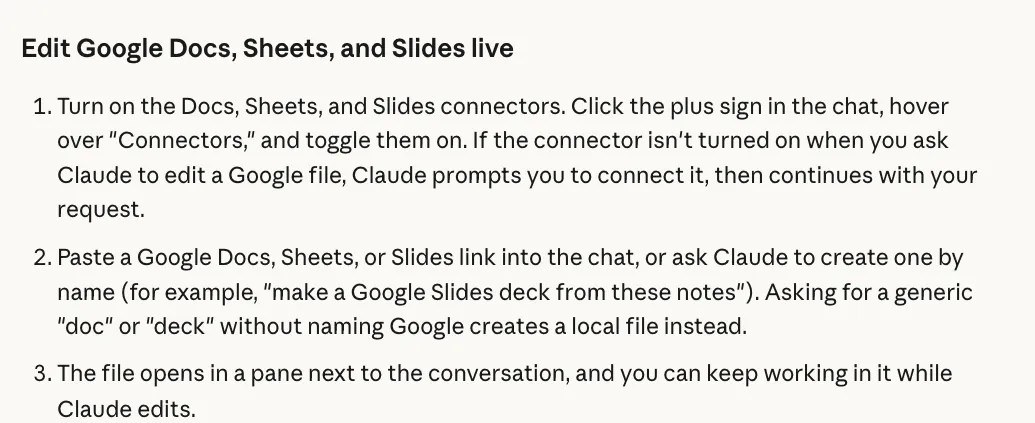
Google Sheets is its own connector, separate from Drive. Claude opens the sheet in a pane beside the chat, reads the numbers and edits rows while you watch. You and Claude can work in the same file at the same time.
Your first prompt. The last line makes Claude show you the row before it writes anything:
Open [LINK TO YOUR GOOGLE SHEET]. Read the [TAB NAME] tab and tell me the three rows with the highest [COLUMN]. Then add a new row with [VALUES]. Show me the row before you add it.
Metricool's own MCP lets Claude read your analytics across the accounts you've connected to Metricool, check your scheduled posts and best times to post. It also lines up posts for review, so nothing goes live without you. It works on any Metricool plan, including Free.
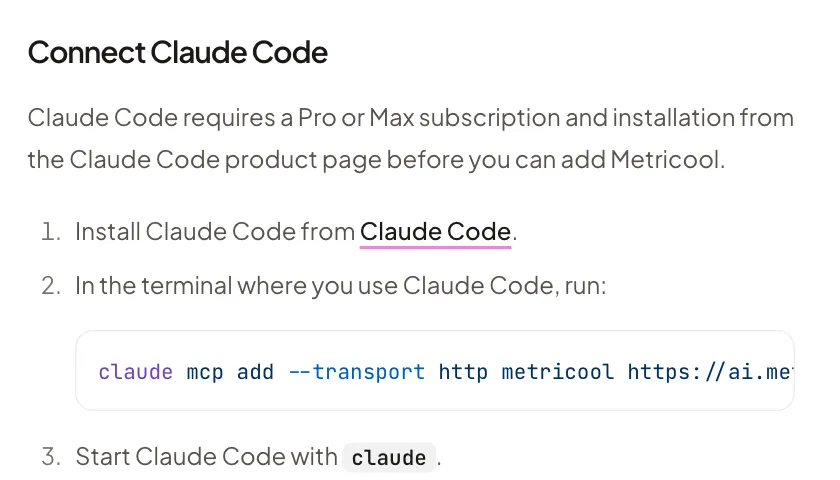
Customize > Connectors, choose Add, then Browse connectors. Search Metricool, connect it and click Grant access.claude mcp add --transport http metricool https://ai.metricool.com/mcp, start claude, type /mcp, pick Metricool and choose Authenticate.Your first prompt:
Using Metricool, show me my last 10 Instagram reels with views, likes and comments. Tell me what the top three have in common. Then draft next week's three posts as posts for review, so nothing goes out until I approve it.
Go to help.metricool.com/how-to-connect-metricools-mcp-with-claude ↗
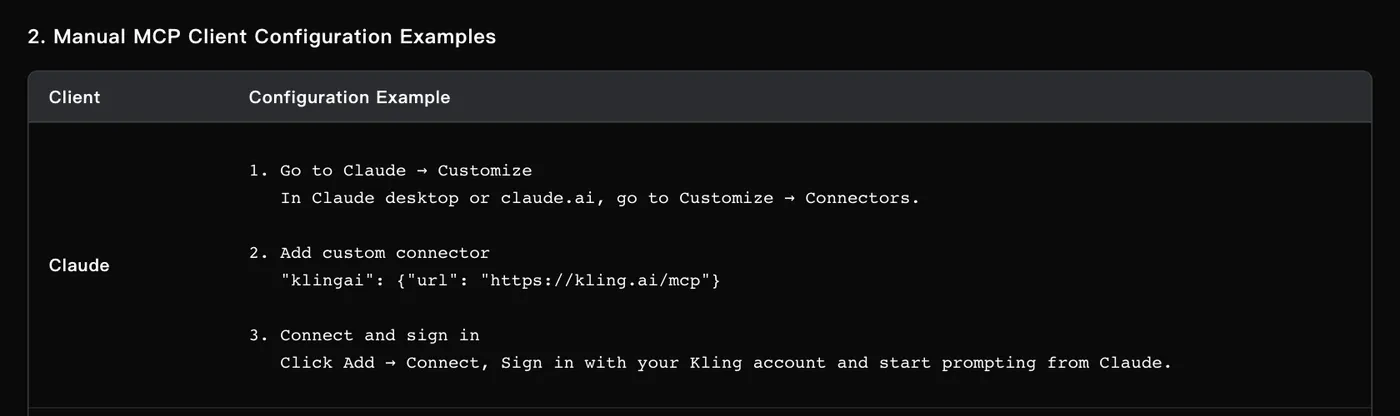
Describe an image or a video and Kling renders it, then hands the result back in the chat. This is Kling's own MCP server, not a third-party copy. It can make images from text, turn an image into video and make video from text.
Customize > Connectors, choose Add, then Add custom connector. Name it klingai and paste https://kling.ai/mcp.Your first prompt. Every image and video spends Kling credits, so this one checks your balance first:
Use Kling for this. First tell me which models I can use and how many credits I have. Then make a 5-second vertical video of [DESCRIBE THE SCENE]. Ask me before you spend any credits.
Drive and Sheets come across on their own. Connect them in claude.ai first, then sign in to Claude Code with your Claude subscription and they show up in /mcp as claude.ai connectors. Chrome needs the flag. Metricool and Kling take one line each.
# in your terminal
claude mcp add --transport http metricool https://ai.metricool.com/mcp
claude mcp add --transport http klingai --scope user https://kling.ai/mcp

# start Claude Code with Chrome, then sign in to each server
claude --chrome
/mcp
Want the setup to travel with a project? Save this as .mcp.json in the project folder instead.
{
  "mcpServers": {
    "metricool": { "type": "http", "url": "https://ai.metricool.com/mcp" },
    "klingai": { "type": "http", "url": "https://kling.ai/mcp" }
  }
}
The trap is copying Kling's bare "klingai": {"url": ...} line into Claude Code. Without "type": "http", Claude Code reads it as a local server and skips it. The box above has the type in already.
Start with the plug that saves you the most copy and paste this week. Connect it, run its first prompt and only then add the next one.
How I use it. Chrome reads and clicks through web pages for me. My editor packs and brand-deal folders live in Google Drive and Claude drafts new files straight into them. My content engine's master sheet is in Google Sheets. Metricool feeds my reel stats into my Creator HQ every hour. In October, Kling made two AI clips of me for my reels.
What this won't do: Claude in Chrome needs a paid plan (Pro, Max, Ultra, Team or Enterprise) and so does Claude Code. On the Free plan you can add one custom connector. Every Kling image or video spends credits from your Kling account. Anthropic still calls the Docs, Sheets and Slides connectors beta. On Team and Enterprise plans an Owner has to add a connector before you can use it. Claude can only see what each account can see. It can also be wrong, so read what it changes.
Claude is only as useful as what it can reach. Give it the plugs it needs.
Sources, opened 14 November 2026: claude.com/chrome and Anthropic's Claude in Chrome help article; the Claude docs on Google Drive, custom connectors and MCP; the help article on Google Workspace connectors; the Claude Code docs on Chrome and MCP; Metricool's MCP guide; and Kling's MCP guide. Menus and plans change, so check before you rely on them.
Join me for The Audacity to Build Challenge. Day 1 is working out what to automate, then it's one build a day for 13 days, with me in the room every day. It starts Monday 23 November. Doors close at 11:59pm UK on Sunday 22 November.
If this was useful, follow me. I share what I am actually building, the tools that survive my own testing, and the ones I quietly cancel. New plays every week.
Pop in your name and email and the guide is yours.