
Fadé Adeniyi
Friday 30 October 2026
Three free courses that make you build as you go, from your first generative AI app to your own AI agent, plus three prompts for what to build first and how to get unstuck.
Because watching isn't practice. Microsoft's Generative AI for Beginners, Hugging Face's AI Agents Course and Google's Machine Learning Crash Course are all free and make you build as you learn. Start with Microsoft's course, then build an agent with Hugging Face.
At Reply I led a team that shipped an integration product's first version in four months. Nobody on that team learned by watching. You learn by making something small, breaking it and fixing it.
Decide what you're building before you start. A course with a goal at the end is one you'll finish. Ask Claude to suggest a first build that fixes something in your own week.
I want to learn AI by building, not watching. I'm going to work through [MICROSOFT GENERATIVE AI FOR BEGINNERS / HUGGING FACE AI AGENTS COURSE / GOOGLE ML CRASH COURSE].

About me: I work as [YOUR JOB] and my coding level is [NONE / A LITTLE / CONFIDENT]. One annoying task in my week is [THE TASK].

Suggest three small things I could build while doing the course that would fix that task. Each one must be finishable in a weekend. Tell me which lesson to do before starting each one.
The 3 free courses
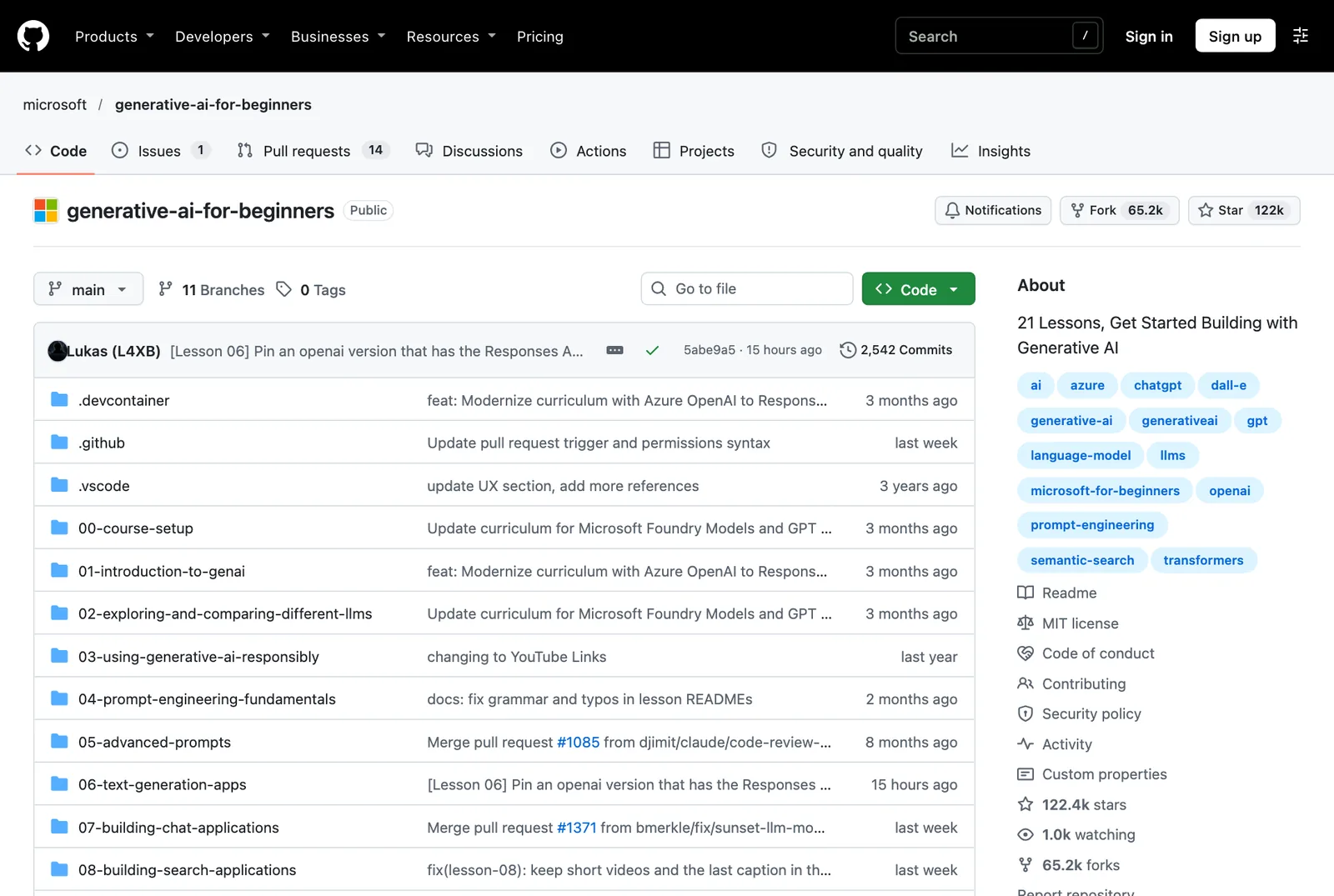
Generative AI for Beginners, by Microsoft. 21 free lessons on GitHub. Each one stands alone. Learn lessons explain the idea and Build lessons give you the code. Open it on GitHub.
Don't just run the example. Change it into something you'd use. That's the moment it becomes yours.
Here's the example from the lesson I'm on: [PASTE THE LESSON CODE OR DESCRIBE IT]

Help me change it into something I'd actually use: [YOUR IDEA, E.G. A REPLY DRAFTER FOR MY INBOX]. Go one step at a time, explain each change in plain English and wait for me to say it works before the next step.
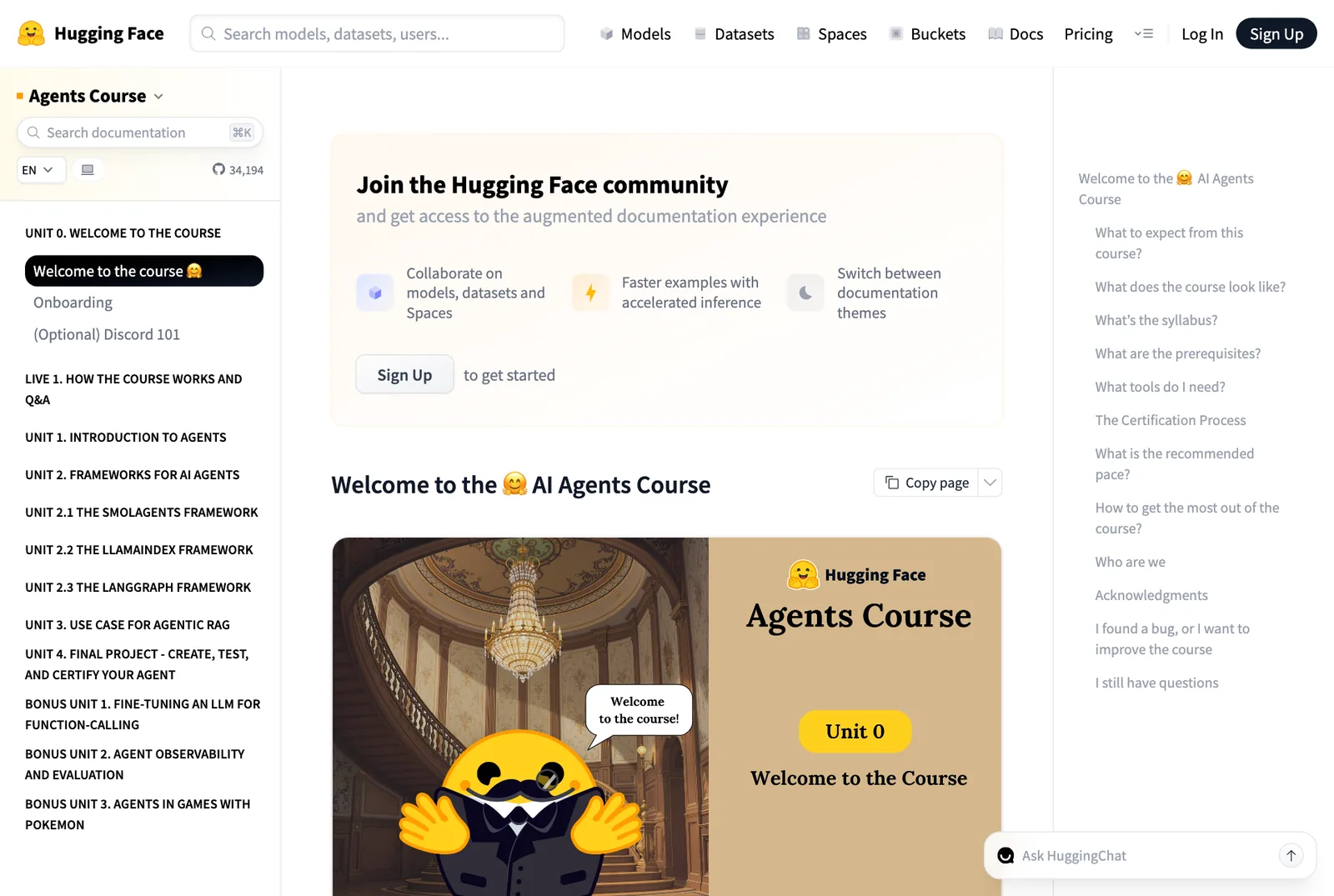
AI Agents Course, by Hugging Face. Build your own AI agents unit by unit, with the frameworks people actually use. Free and self-paced. huggingface.co/learn/agents-course.
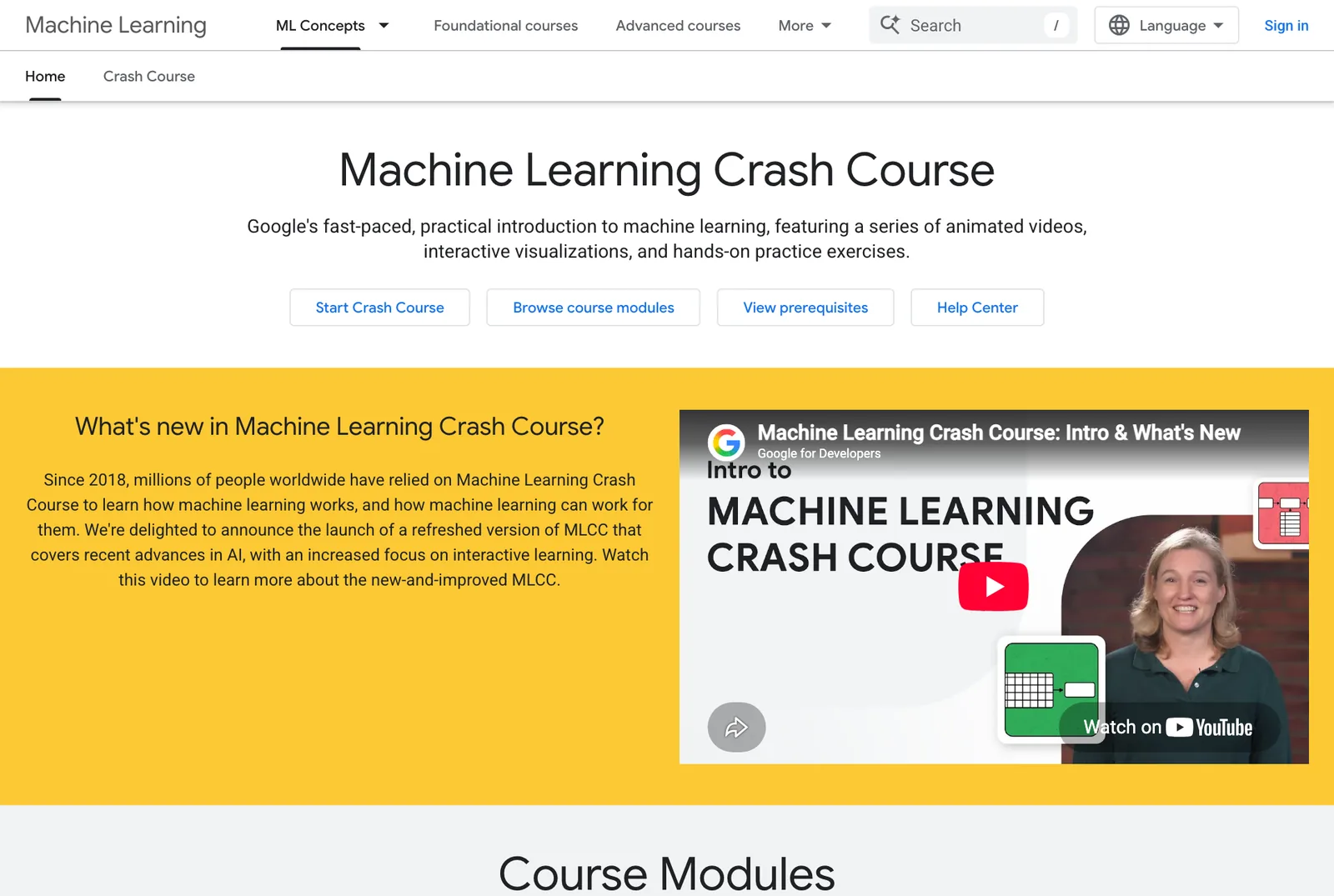
Machine Learning Crash Course, by Google. Animated visuals and real exercises. If you don't code yet, you can skip the programming parts and still follow it. developers.google.com.
It will break. That's the part that teaches you the most. Paste the error into Claude and ask for the smallest possible fix.
I'm stuck. Here's what I'm trying to do: [WHAT YOU WANTED] Here's what happened instead: [PASTE THE ERROR OR DESCRIBE IT] Here's my code: [PASTE IT]

Tell me what's wrong in one sentence, then give me the fix. Don't rewrite anything else.
Ask for the smallest fix. If Claude rewrites everything, you learn nothing and you can't tell what changed.
Copying the finished code from the end of the lesson. It'll run, but you won't know why and the next project will stop you dead.
Everything I know about AI stuck because I built something with it. My agents started as small experiments that broke, a lot. When I'm working through a lesson I keep Claude open next to it and ask it to help me turn the example into something I'd actually use, like a reply drafter for my inbox.
You've got three free courses that make you build, a way to pick your first project and prompts for when it breaks.
What this won't do: it won't make you a software engineer in a weekend. Course content changes, so check each page before you start.
Watch less, build more. Ugly and working beats perfect and imaginary.
Related guides: Stop paying for AI certificates. Get these 4 free., Learn AI from the biggest names in tech for free and The free AI certifications worth it.
Sources, opened 30 October 2026: Microsoft on GitHub; Hugging Face Agents Course; Google Machine Learning Crash Course. Screenshots are the course pages.
The Audacity to Build is my community for people doing exactly that. It is opening soon. Join the waitlist and you are first in when it does.
If this was useful, follow me. I share what I am actually building, the tools that survive my own testing, and the ones I quietly cancel. New plays every week.
Pop in your name and email and the guide is yours, along with the occasional new guide when I publish one. No spam, ever.