
Fadé Adeniyi
Sunday 15 November 2026
How to build each one yourself: a reel editor, a script machine, an auto poster, comment to DM and a guide maker, with the setup and a prompt to paste for each.
You can run a content page on your own with five Claude systems: a Reel Editor that cuts and captions your clip, a Script Machine that writes from what's trending, an Auto Poster, a Comment to DM and a Guide Maker. Here's how to set up each one yourself, with a prompt to paste for each.
I'm co-founder and CEO of Techlerator, the company behind Xeruit. When we pre-launched Xeruit, one ad brought in 3,000 users in 3 days. I found its message by reading our competitors' angriest reviews. That's the job the Script Machine does for my page now: it reads what people are saying, then writes to it.
Connectors live under Customize > Connectors in claude.ai and the desktop app. Skills live under Customize > Skills. The Reel Editor runs in Claude Code, on your own computer. Anything in a dark box has a Copy button. Swap every [BRACKET] for your own details. You don't need to be technical for any of this.
The 5 systems
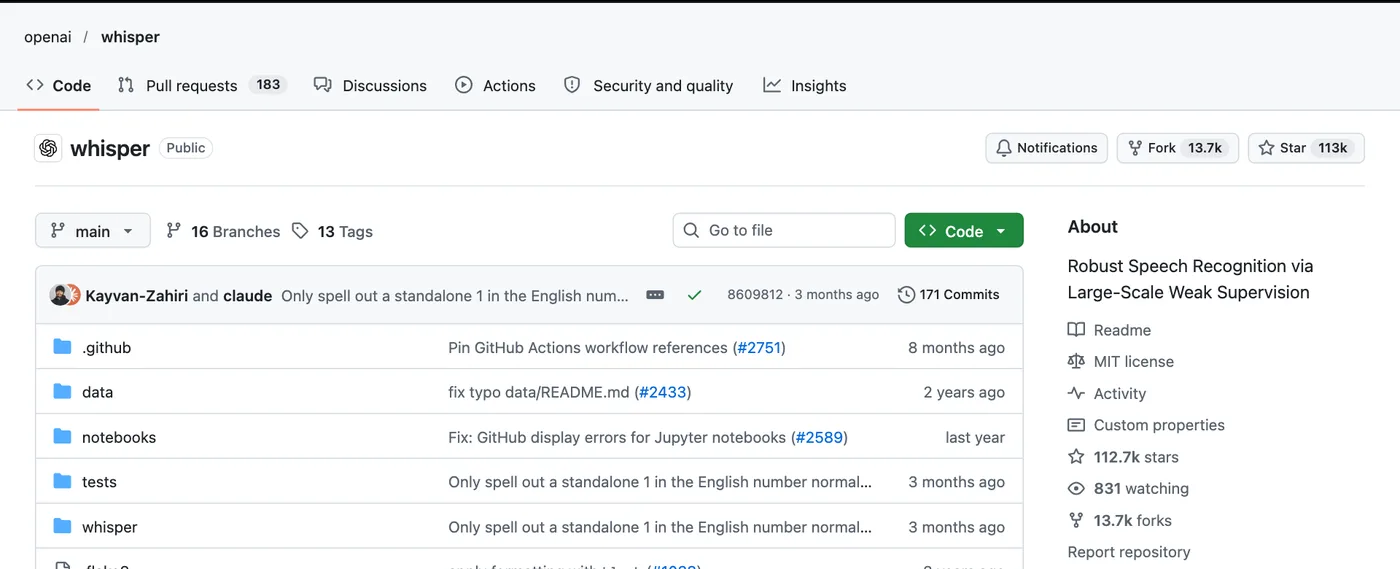
Claude Code runs on your computer, so it can open your clip, listen to it and cut it. It uses two free tools to do that: Whisper, OpenAI's open-source speech recognition, which finds where every word starts and ends. ffmpeg cuts the video and burns the captions in. You install both once.
curl -fsSL https://claude.ai/install.sh | bash in Terminal. On Windows PowerShell it's irm https://claude.ai/install.ps1 | iex. Then type claude and sign in.raw.mp4 and start Claude Code there.# Mac, with Homebrew (brew.sh) brew install ffmpeg-full openai-whisper # make a folder, put your raw clip in it as raw.mp4 mkdir -p ~/Desktop/reels && cd ~/Desktop/reels claude
Edit raw.mp4 in this folder into a reel I can post.

1. Transcribe it with whisper (turbo model, word timestamps)
so you know where every word starts and ends.
2. Cut silences over 0.4 seconds, ums, false starts and any
line I said twice. Keep my last take of a repeated line.
3. Burn in captions: white, bold, two to four words at a time,
in the lower third, timed to my words. Use the ffmpeg from
ffmpeg-full (find it with brew --prefix ffmpeg-full).
4. Export 1080x1920 at 30fps as reel-ready.mp4.
5. List every cut with its timestamp so I can check it.

Never delete or overwrite raw.mp4.
Homebrew's standard ffmpeg is built without libass, the library that draws subtitles, so it can't burn captions in. ffmpeg-full has it. It installs alongside rather than replacing anything, which is why the prompt tells Claude where to find it.
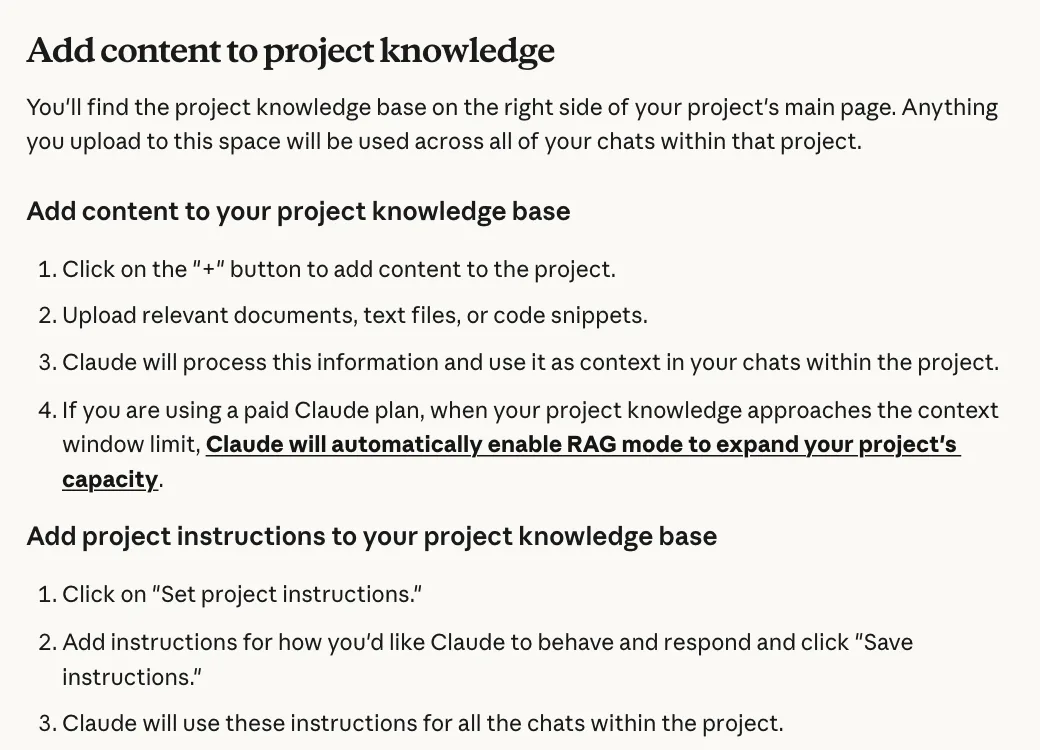
A Claude Project keeps your instructions and your best scripts in one place, so every chat inside it already knows your niche and how you sound. Projects work on every plan, including Free (up to five projects). With web search, Claude can check what people in your niche are talking about this week before it writes a word.
claude.ai/projects, click + New Project and call it Script Machine.Script me a reel for this week. Keyword: [KEYWORD]. If you see a Web search option under +, make sure it's on.You write short-form video scripts for me. MY NICHE: [YOUR NICHE] WHO I'M TALKING TO: [YOUR VIEWER IN ONE LINE] HOW I SOUND: [THREE WORDS, E.G. DIRECT, WARM, FUNNY] EVERY TIME I ASK FOR A SCRIPT 1. Search the web for what people in my niche are talking about this week. Give me 5 topics, each with the link you found it on and why it's moving now. Wait for my pick. 2. Write 3 hooks for that topic: a bold claim, a question and a confession. Under 12 words each. Say which one you'd post and why. Wait for my pick. 3. Write the full script to that hook. Under 160 words, one idea per line. End with: Comment [KEYWORD] and I'll send you [WHAT THEY GET]. Match the voice of the scripts in this project's files. Never invent a stat. If you can't find a source, say so.
It stops twice on purpose. You pick the topic and you pick the hook.
Metricool is a social media scheduler with its own Claude connector. Through it, Claude can check your best time to post, create and edit scheduled posts and read your analytics. It works on any Metricool plan, including Free. Metricool then publishes at the time you've set, so you don't have to open Instagram or TikTok.
Customize > Connectors, choose Add, then Browse connectors. Search Metricool, connect it and click Grant access.Using Metricool, find my best time to post on Instagram and TikTok this week. Then schedule the reel at [PUBLIC LINK TO YOUR VIDEO FILE] in the next best slot on both, with this caption: [YOUR CAPTION]. Show me the date, time and caption for each one before you schedule anything.
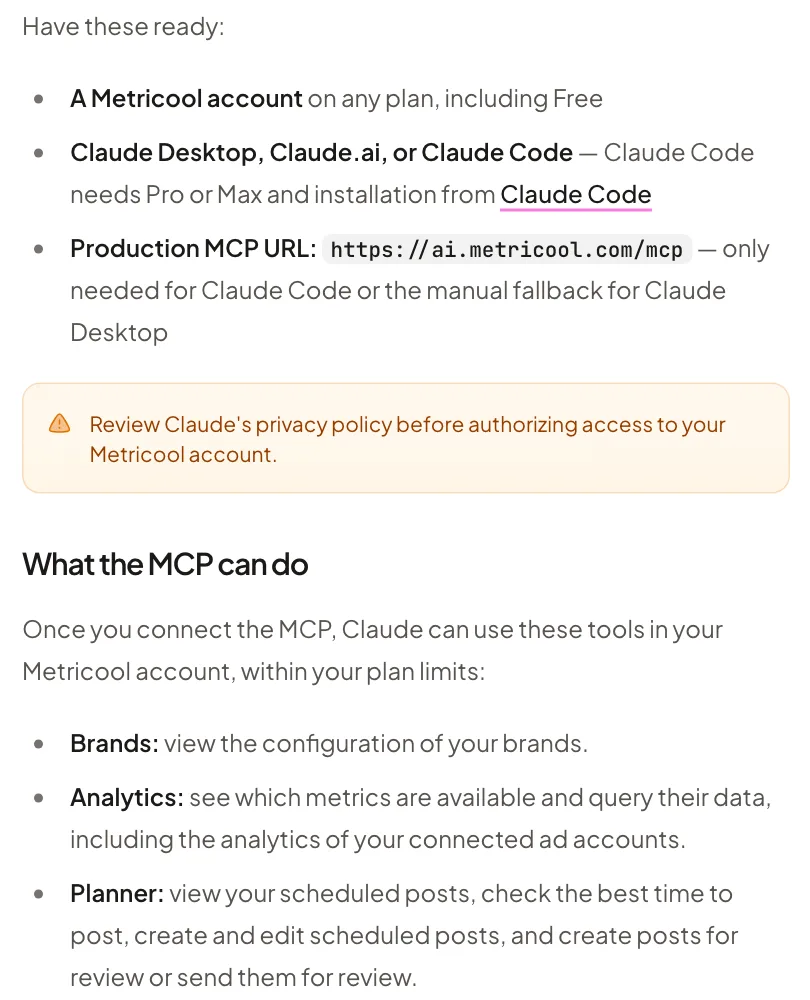
Go to help.metricool.com/how-to-connect-metricools-mcp-with-claude ↗
Zernio is a posting API with its own Claude connector. It's what I post through. Add it as a custom connector with https://mcp.zernio.com/mcp and sign in, or in Claude Code run claude mcp add --transport http zernio https://mcp.zernio.com/mcp, then type /mcp and sign in. Swap Metricool for Zernio in the prompt above.
Zernio runs comment-to-DM on Instagram and Facebook through Meta's official API. You pick the keyword and the message. Every matching comment gets the DM straight away. Your Instagram has to be a public professional account, meaning Business or Creator.
Customize > Connectors, choose Add, then Add custom connector. Paste https://mcp.zernio.com/mcp, click Add, then Connect and sign in to Zernio.Using Zernio, set up a comment-to-DM automation on my Instagram account. When someone comments [KEYWORD] on [LINK TO THE REEL], send them this DM straight away: [YOUR MESSAGE WITH THE LINK]. Match the keyword as a whole word, in any capitals. Show me the automation before you switch it on. If you can't create it from here, tell me exactly what to fill in on Zernio's New automation form.
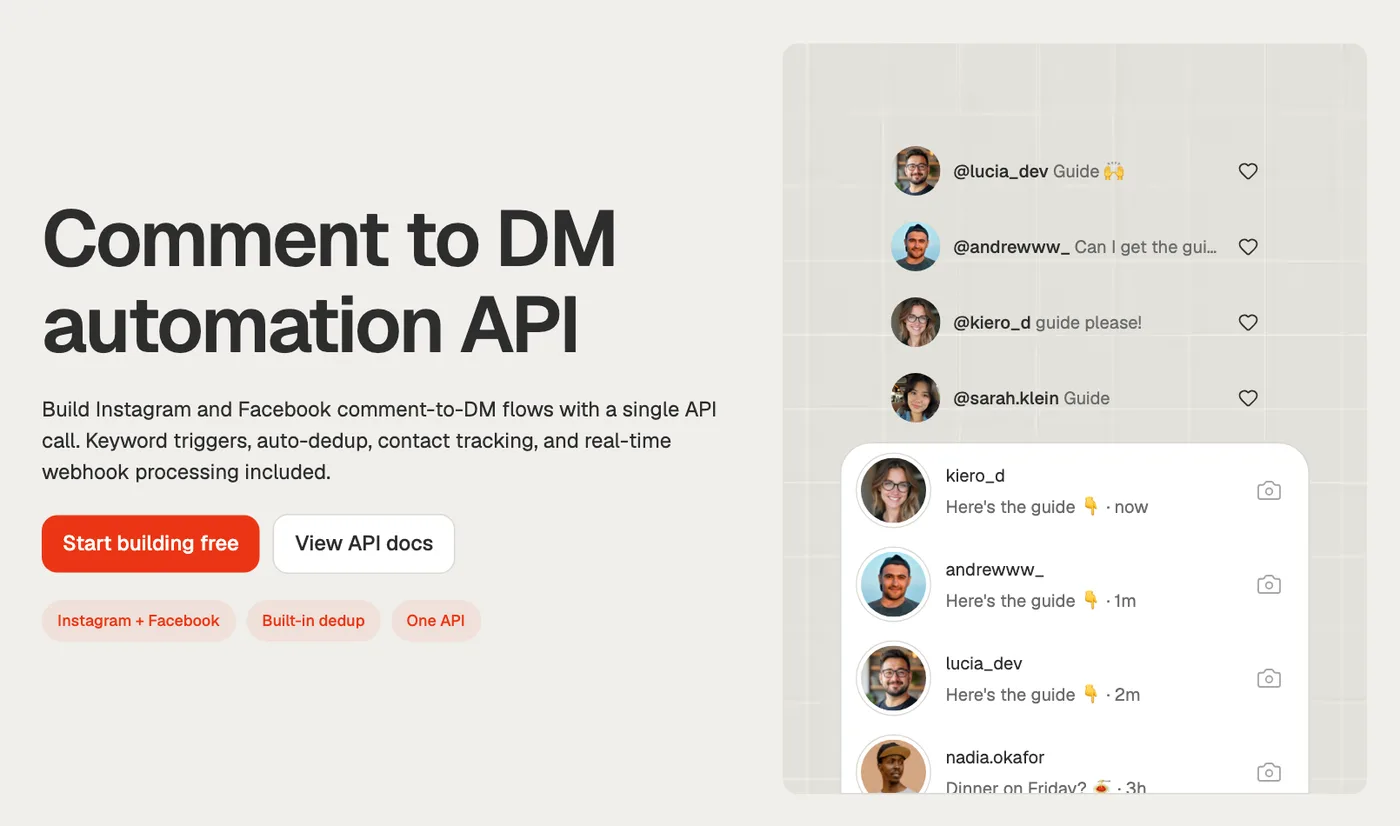
Go to zernio.com/comment-to-dm ↗
The trap is building your own on Meta's API from scratch because it looks like one API call. Meta only sends comment notifications to an app that's Live and has Advanced Access, which means going through App Review. Until then your automation never hears about real comments. Use a tool that has already been through it.
A skill is a set of instructions Claude loads when that job comes up. Write it once and every script you paste turns into the same kind of guide: a web page and a PDF, in your voice, with anything it couldn't check marked for you. Skills work on every plan, as long as code execution is on.
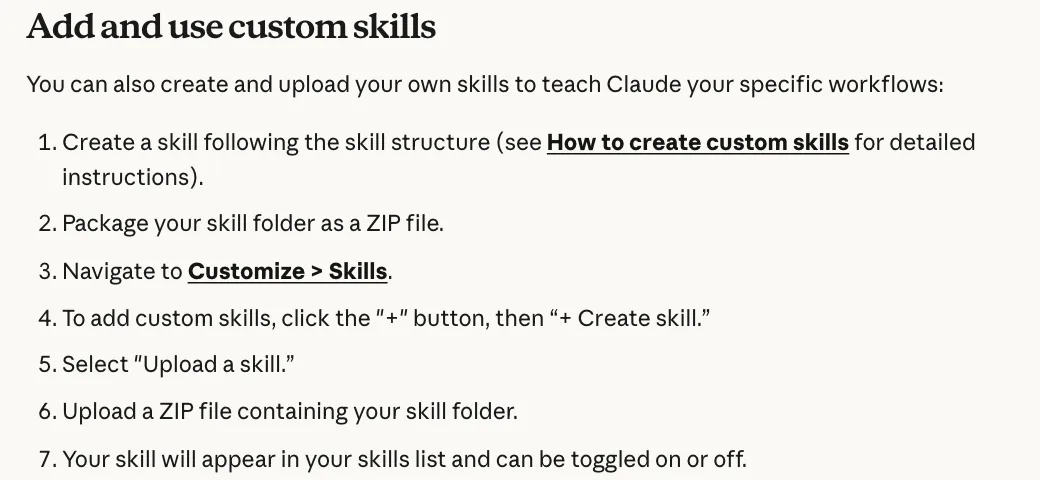
Settings > Capabilities, switch on Code execution and file creation (in the newer layout it's called Create and edit files).SKILL.md, inside a folder called guide-maker. Fill in your brackets.Customize > Skills, click +, then + Create skill, then Upload a skill and pick the zip.--- name: guide-maker description: Turns a reel script into a free guide, as a web page and a PDF. Use when I paste a script and say make the guide. --- WHEN I PASTE A SCRIPT 1. Find the promise: what the reel says people get when they comment the keyword. 2. Write the guide that delivers exactly that. Open with a short answer to the question in under 60 words, then numbered steps, a copy-paste prompt if the reel promised one, one mistake to avoid and what it won't do. 3. Write in my voice: [HOW I SOUND]. Short sentences, no hype words. Never invent a stat, a quote or a feature. If you can't check something, mark it [CHECK]. 4. Make two files: guide.html (one page that reads well on a phone, my colours [HEX CODES]) and guide.pdf (A4, a cover page first, six pages at most). 5. List every [CHECK] item before you hand them over.
Using Claude Code instead? Save the same file at ~/.claude/skills/guide-maker/SKILL.md and it's there in every session.
Start with the one that eats most of your week. For most people that's editing. Get it working, post with it for a week, then add the next.
How I use it. I film and Claude handles almost everything after that. My Reel Editor is a set of Claude Code skills that cut my ums and false starts and put my captions on. My Script Machine lives in Creator HQ: it gives me three hooks, rates each one against my own past reels and I pick one before it writes the rest. Zernio posts my reels to Instagram and TikTok and Metricool sends the stats back into Creator HQ every hour. When someone comments the keyword, my own AutoDM tool sends them the guide. This guide came out of my Guide Maker before the reel went live.
What it won't do. Claude Code needs a paid plan (Pro, Max, Ultra, Team or Enterprise), so the Reel Editor does too. On Claude's Free plan you can only use one connector at a time. Metricool's Free plan can't schedule more than 20 posts. Skills need code execution turned on. On Instagram, an automated DM goes to a public professional account's commenters, once per comment, within 7 days. Claude can get a cut or a fact wrong, so watch the reel and read the guide before you post.
You don't need a content team. You need five systems that don't take days off.
Sources, opened 14 November 2026: the Claude Code setup docs; openai/whisper; Homebrew's ffmpeg-full and openai-whisper formulae; Anthropic's help articles on Projects, web search and skills; Metricool's MCP guide; Zernio's Claude and comment to DM pages; and Meta's docs on private replies and webhooks. Menus and plans change, so check before you rely on them.
Creator HQ is my done-for-you version of everything on this page: the reel editor, the script machine with three hooks to pick from, posting, comment to DM and the guide maker, in one place and set up inside your own Claude. Run your content like a business with Creator HQ.
If this was useful, follow me. I share what I am actually building, the tools that survive my own testing, and the ones I quietly cancel. New plays every week.
Pop in your name and email and the guide is yours.